What is AIO Terminal and how do I get access?
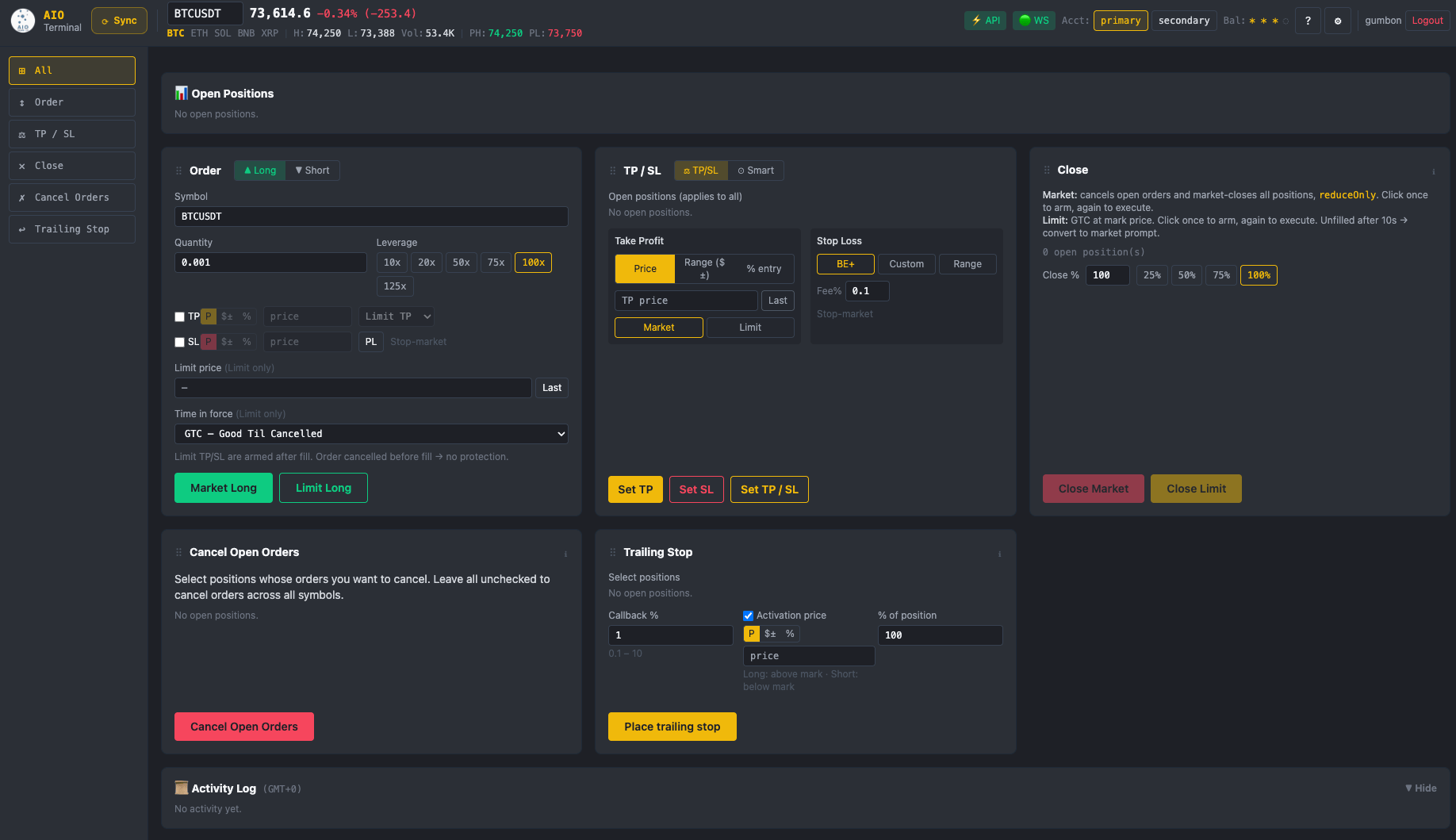
AIO Terminal is a web-based order management dashboard for Binance USDⓈ-M Futures, built for speed and simplicity. Access is included free with any VIP plan subscription. After subscribing, contact us on Telegram (@nguyenthl) to receive your login credentials and trusted IP addresses for the Binance API setup. See the full
Binance API setup guide for step-by-step instructions.
Is my Binance API key safe? Does AIO Terminal store my password?
AIO Terminal only uses your Binance API key — never your account password. Your credentials are encrypted and stored securely on our server — never in plain text, never exposed to third parties.
What Binance markets does it support?
Currently AIO Terminal supports Binance USDⓈ-M Perpetual Futures. Support for additional markets and exchanges (Spot, Binance Coin-M, other exchanges) is planned for future releases.
How is limit at last price different from a market order?
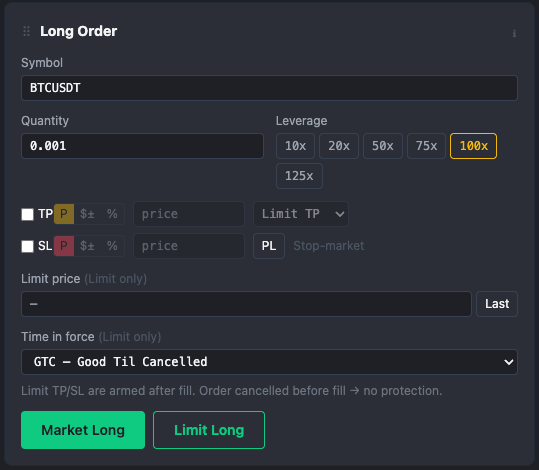
AIO Terminal places a LIMIT order at the current last traded price. Because you're a maker not a taker, Binance charges 0.02% instead of 0.05%. The fill rate is near 100% because the order is placed at the market price — but you pay maker fees. On active symbols this fills virtually instantly, giving you the speed of a market order at half the fee cost.
What operating systems are supported?
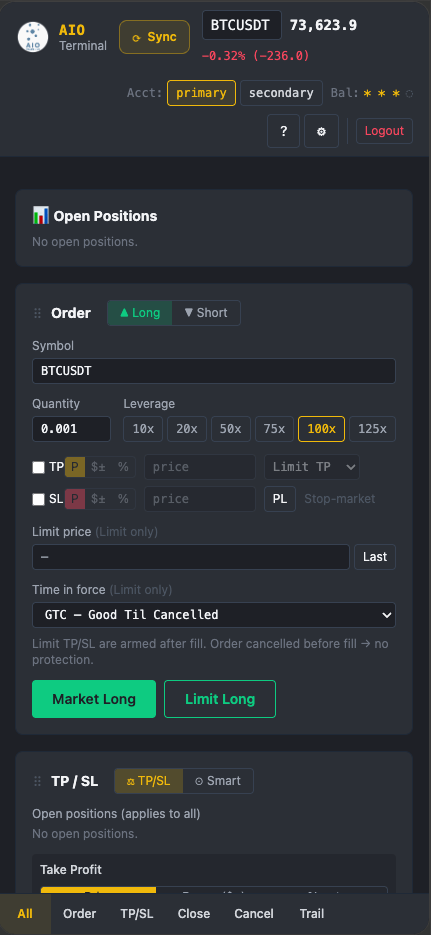
AIO Terminal is entirely web-based — no installation required. You can access it from any modern browser on any operating system: macOS, Windows, Linux, iOS, or Android. Simply log in at terminal.aioindicator.com and start trading.
Is AIO Terminal available on testnet?
Yes! AIO Terminal supports Binance testnet. You can switch between testnet and mainnet directly within the Terminal settings. Testnet lets you test all order types — Long, Short, TP/SL, Trailing Stop — without risking real funds. Recommended before going live.
Can I choose between market and limit orders?
Yes — every time you place a Long or Short order, you choose market or limit with a single tap. Neither is forced as a default. For limit orders, the "Last" button next to the limit price field syncs the current last-traded price instantly, giving you near-100% fill rate at maker fee. TP can also be placed as market or limit depending on your preference. SL is always submitted as a market order to guarantee execution and protect your account.
Can I modify existing TP/SL orders?
Once TP/SL is set, it cannot be edited in place. To change your TP or SL level: use the Cancel tab to cancel the specific TP/SL order (or Cancel All to clear everything), then re-set via the dedicated TP/SL tab. You can set TP/SL at the time you fire the order, or add them later from the TP/SL tab if you didn't set them at entry.
What are the PH and PL buttons next to the SL field?
PH (Pivot High) and PL (Pivot Low) buttons are one-click shortcuts to fetch the most recent swing high or swing low for your selected symbol and timeframe. Tap PL to instantly populate your SL field with the recent pivot low (for longs) or PH for the recent pivot high (for shorts). This eliminates manual chart-reading when setting structurally valid stop-loss levels — a common use case is placing your SL just beyond the most recent swing point.
Can I act on one specific position instead of all positions?
Yes. All action tabs — Close, Cancel, Smart TP/SL, TP/SL, and Trailing Stop — let you select a specific position from a list when you have multiple positions open simultaneously. You are never forced to affect all positions at once. "Close All" and "Cancel All" are convenient one-tap options for when you want to flatten everything, but you always retain the ability to act on individual positions.
What is BE+ in Smart TP/SL and how is it different from regular breakeven?
Regular breakeven moves your SL to your entry price — which still results in a net loss once you account for exchange fees. BE+ adds a configurable fee offset (for example, 0.1%) to the breakeven level, so when TP1 is hit and your SL moves, the new SL is set at a price where your remaining position is guaranteed profitable after fees — not just at zero. This prevents the frustrating scenario of price reversing to "breakeven" but still losing money to fees.
Can I use multiple Binance accounts in AIO Terminal?
Yes — AIO Terminal supports up to 2 Binance accounts simultaneously. Each account connects via its own API key. You can switch between accounts within the Terminal interface to manage different strategies or portfolios from a single dashboard.
How do I change my AIO Terminal login password?
Your initial login password is provided when you first receive access to AIO Terminal. After your first login, you are prompted to change it. Password change is available at any time from the account settings inside the Terminal. We recommend changing your password on first login and using a strong, unique password.
How often does AIO Terminal refresh data from Binance?
By default, AIO Terminal syncs position and order data from Binance every 5 seconds. You can change this interval in the Terminal settings to suit your trading pace. You can also trigger an immediate refresh at any time by clicking the sync button, or simply refreshing the browser tab.